






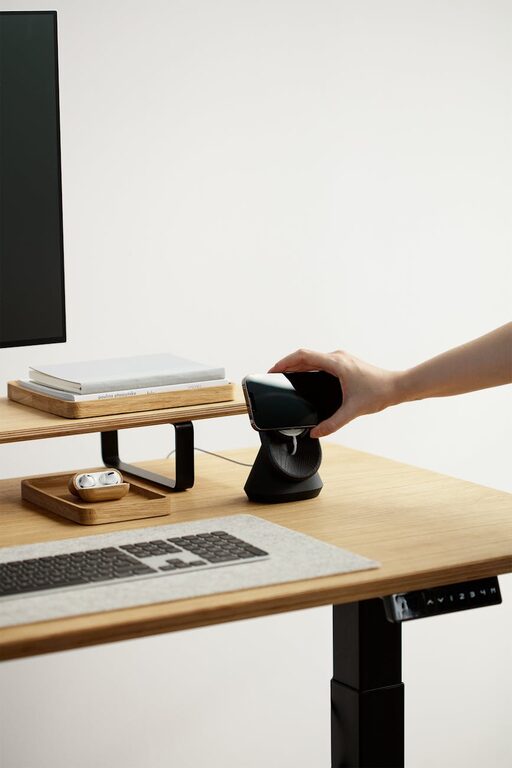
Creating a clutter-free workspace at home can greatly improve your focus, productivity, and overall well-being. When your desk is tidy and your space well-organized, it’s easier to concentrate on your tasks and feel motivated throughout the day. In this post, we’ll explore easy and practical tips to help you organize your home workspace efficiently.
Why Organizing Your Home Workspace Matters
A cluttered workspace can lead to distractions, lost items, and stress. On the other hand, a clean and organized space helps you find what you need faster and maintain a positive mindset. Whether you work from home full-time or use your workspace occasionally, these tips can make a big difference.
Start With a Clean Slate
Before organizing, clear everything off your desk and surrounding area. This fresh start will help you see the space clearly and decide what you really need.
– Remove all papers, office supplies, gadgets, and decor.
– Wipe down surfaces to keep things hygienic.
– Assess any cables or electronics and plan how to manage them.
Sort and Declutter
Not all items in your workspace need to stay. Sorting is an essential step to reduce clutter.
– Keep: Only essential tools and items you use daily.
– Store: Items used less frequently can be stored elsewhere.
– Discard: Trash or recycle papers and broken supplies.
Use trays or bins to sort papers into categories like “to do,” “to file,” or “pending.”
Use Functional Storage Solutions
Storage helps keep your desk clear. Consider which solutions work best for your space and habits.
Drawer Organizers
Use dividers or small containers inside desk drawers to separate pens, clips, sticky notes, and other small supplies.
Shelves and Cabinets
If you have the space, wall shelves or small cabinets can hold books, binders, and reference materials. Keep these items organized with labeled folders or boxes.
Desktop Organizers
Use pen holders, file stands, or letter trays to keep your desktop neat and everything accessible.
Manage Cables and Electronics
Cables can quickly become tangled and messy. Try these simple ideas:
– Use cable clips or ties to bundle cords.
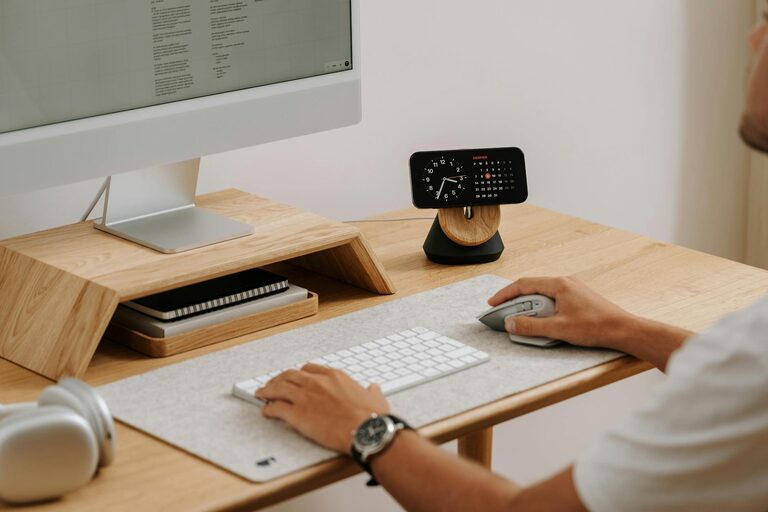
– Set up a charging station to keep devices in one place.
– Label cords if you have many similar cables.
Arrange Your Workspace Ergonomically
An organized space is also a comfortable space. Make sure your monitor, chair, and keyboard are positioned to minimize strain.
– Your screen should be at eye level.
– Keep frequently used items within arm’s reach.
– Have good lighting to reduce eye strain.
Develop Daily Habits to Maintain Order
Maintaining a clutter-free workspace requires consistent habits. Try these:
– Spend 5 minutes at the end of each day clearing your desk.
– Handle incoming papers immediately, filing or discarding as needed.
– Regularly review and adjust your storage system.
Personalize Thoughtfully
Adding a few personal touches can make your workspace inviting and inspiring, but avoid overcrowding.
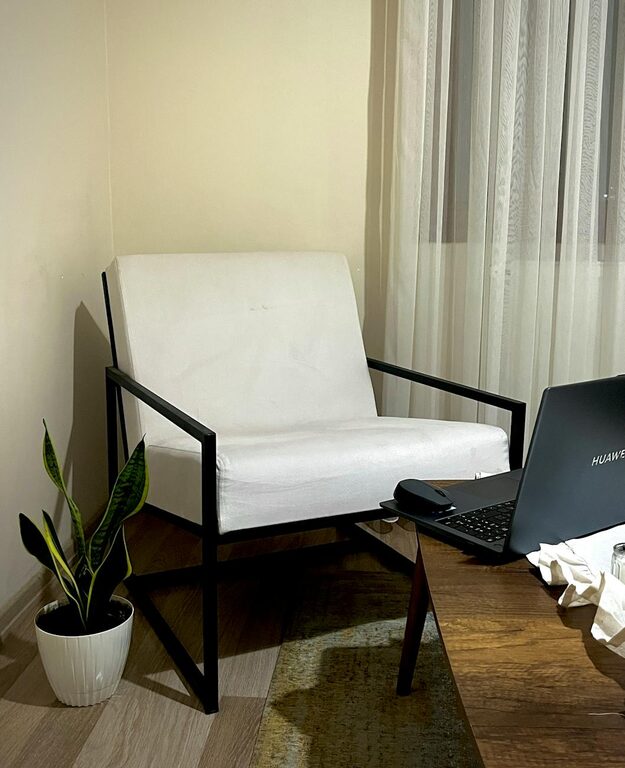
– A small plant or photo frame.
– Inspirational quotes or a calendar.
– Minimal decor that doesn’t take up valuable space.
Utilize Digital Tools to Reduce Paper Clutter
Going paperless is a great way to reduce physical clutter.
– Scan important documents and store them digitally.
– Use apps to organize notes and to-do lists.
– Limit printing unless necessary.
Final Thoughts
Organizing your home workspace does not have to be overwhelming. By following these easy tips, you can create a clutter-free environment that enhances your productivity and makes working from home a pleasure. Start small, stay consistent, and enjoy the benefits of a tidy, functional space!