






Creating a cozy and functional home workspace is essential for anyone working remotely or spending significant time on projects at home. A well-designed workspace not only boosts productivity but also promotes comfort and well-being. Whether you have a dedicated room or just a corner of your living area, here are practical tips to help you make the most of your home office.
Choose the Right Location
Consider Natural Light
Placing your workspace near a window can provide plenty of natural light, which helps reduce eye strain and keeps you energized throughout the day. However, avoid glare on your computer screen by positioning the desk at an angle to the window or using sheer curtains.
Minimize Distractions
Select a quiet spot where you can focus without frequent interruptions. If that’s not possible, consider using noise-canceling headphones or white noise machines to create an environment conducive to concentration.
Invest in Comfortable Furniture
Ergonomic Chair and Desk
Comfort is key in preventing fatigue and discomfort. Choose an ergonomic chair with adjustable height, lumbar support, and cushioned seating. Pair it with a desk at a comfortable height so your arms rest naturally while typing.
Use a Standing Desk Option
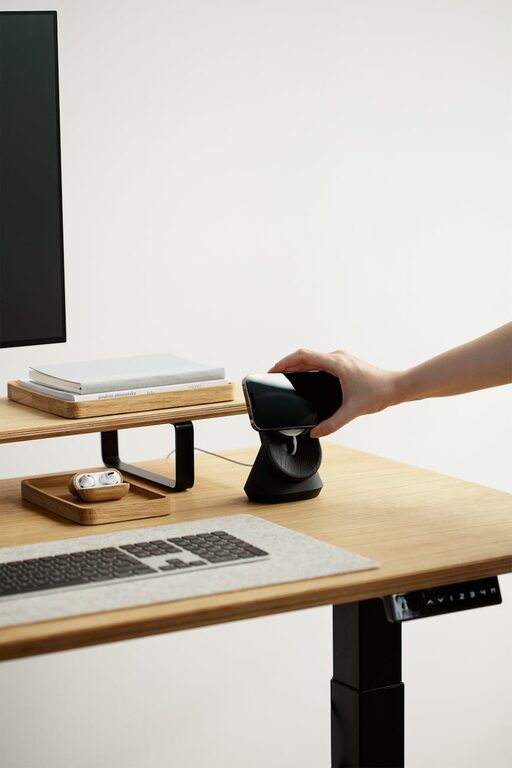
If sitting for long hours feels uncomfortable, consider a standing desk or a convertible desk that lets you alternate between sitting and standing. This encourages movement and reduces the risks associated with prolonged sitting.
Organize Your Workspace Efficiently
Declutter Regularly
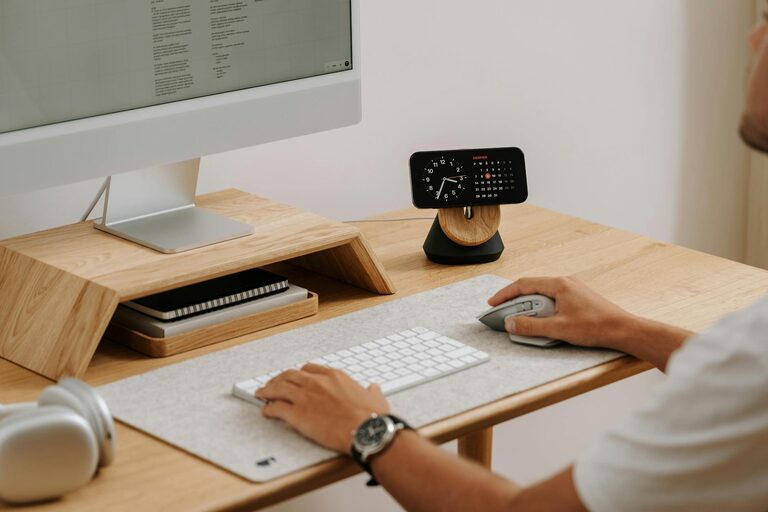
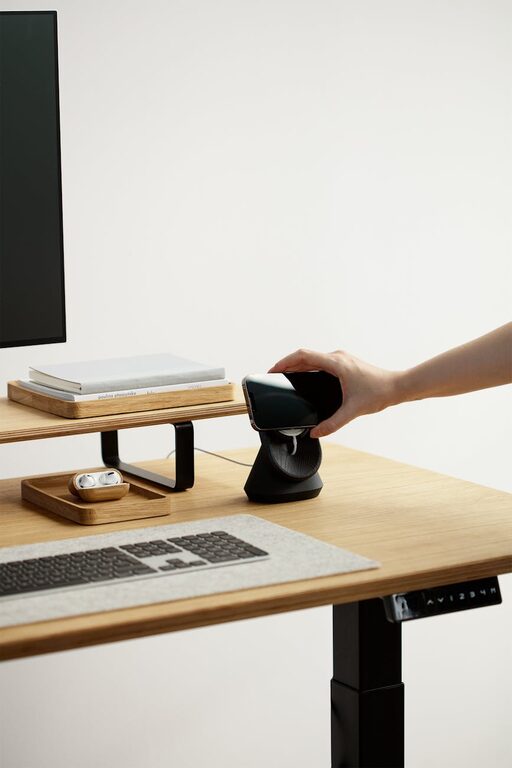
A tidy space helps your mind focus better. Keep only essential items on your desk and store other supplies in drawers or shelves. Use organizers, trays, and containers to sort pens, papers, and cables.
Use Vertical Storage
Maximize small spaces by incorporating vertical shelves or wall-mounted organizers. This keeps your desk surface clear while keeping everything you need within reach.
Personalize Your Space
Add Soft Textiles
Incorporate cozy elements like a soft rug, cushions, or a throw blanket. These add warmth to the area, making it feel inviting and comfortable for extended periods.
Decorate Mindfully
Choose artwork, plants, or inspirational quotes that motivate you but don’t overwhelm your workspace. Greenery, for instance, can improve air quality and add a calming touch.
Optimize Lighting
Layer Your Lighting
Besides natural light, use a combination of ambient lighting and task lighting. Adjustable desk lamps allow you to direct light exactly where you need it, reducing eye strain during focused tasks.
Avoid Harsh Lighting
Avoid overhead lights that cause glare or harsh shadows. Opt for warm bulbs with adjustable brightness to create a soothing atmosphere.
Manage Technology and Connectivity
Organize Cables
Use cable clips, ties, or sleeves to keep cords neat and prevent tangling. This improves the workspace’s appearance and avoids accidental disconnections.
Ensure Strong Internet Connection
Test your connection regularly and consider using a wired connection or Wi-Fi extender if needed to maintain stable and fast internet for video calls and online work.
Incorporate Break and Wellness Areas
Create a Relaxation Corner
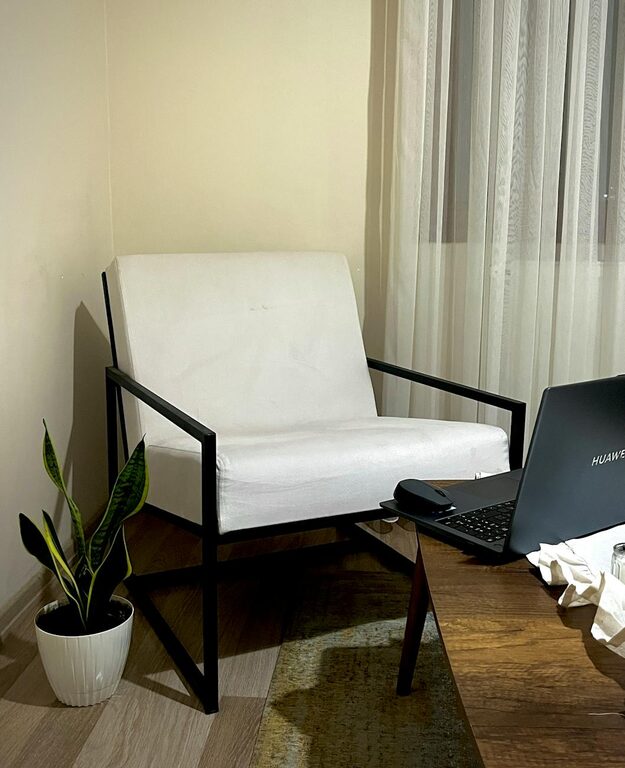
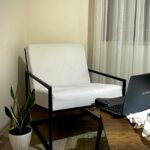
If space permits, add a small seating area or a meditation spot with cushions or a comfortable chair. This encourages short breaks to refresh your mind.
Use a Timer for Breaks
Set reminders to stand up, stretch, or take brief walks. These help reduce physical strain and improve productivity.
Final Thoughts
Designing a cozy and functional home workspace might take some effort initially but pays off by enhancing your comfort, focus, and efficiency. Remember, the goal is to create a space that supports your work habits and personal preferences, fostering a positive and productive environment.
By selecting the right location, investing in ergonomic furniture, organizing efficiently, and adding personal touches, you can craft a home workspace that feels both inviting and highly functional. Happy working!