





Creating a home workspace that balances comfort with productivity is essential for anyone working remotely or spending significant time at a desk. A cozy environment helps reduce stress and keeps you motivated, while a productive setup ensures your focus stays sharp throughout the day. Here are some practical tips to help you design a workspace that feels just right.
Choose the Right Location
Prioritize Natural Light
Position your desk near a window if possible. Natural light boosts mood and energy levels, reducing eye strain. If natural light is limited, invest in a quality desk lamp with adjustable brightness.
Minimize Distractions
Select a quiet corner away from high-traffic areas in your home. This will help you maintain concentration and minimize interruptions.
Invest in Comfortable Furniture
Ergonomic Chair
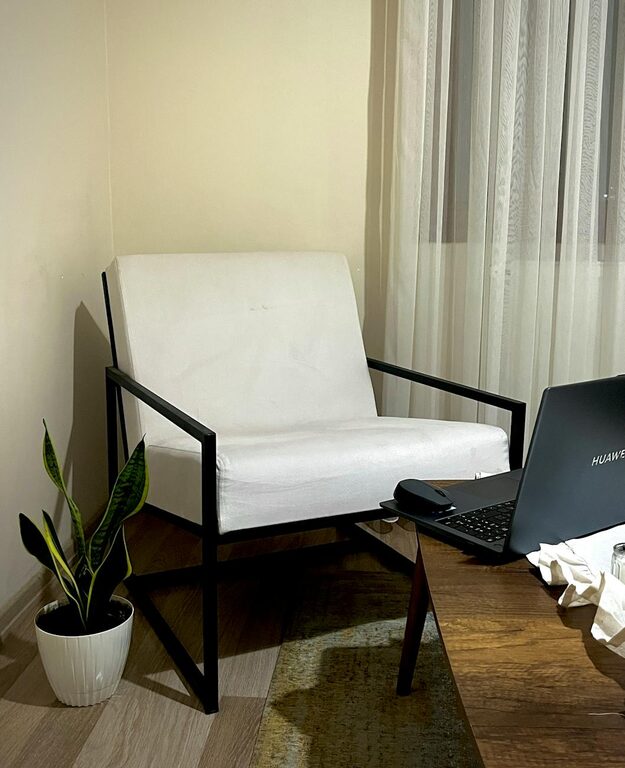
A supportive chair is key for maintaining good posture. Choose one with adjustable height, lumbar support, and comfortable cushioning.
Appropriate Desk Height
Ensure your desk height allows your arms to rest comfortably with elbows at roughly a 90-degree angle. This reduces strain on your wrists and shoulders.
Personalize Your Space
Add Soft Textures
Incorporate cozy elements like cushions, a soft throw blanket, or a rug. These create a warm atmosphere without cluttering your workspace.
Include Plants or Greenery
Plants not only brighten up a room but also improve air quality and reduce stress. Choose low-maintenance options such as succulents or peace lilies.
Organize Thoughtfully
Declutter Regularly
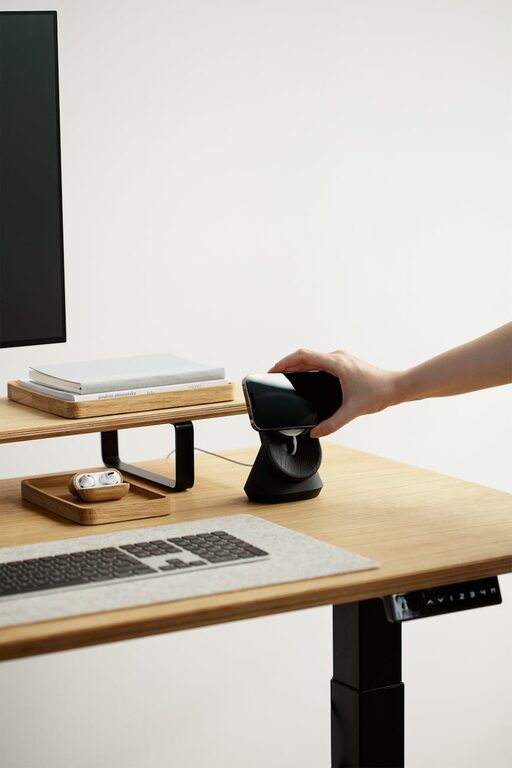
Keep only essential items on your desk. A tidy workspace helps keep your mind clear and focused.
Use Storage Solutions
Use drawers, shelves, or boxes to organize supplies like pens, notebooks, and chargers. Labeling containers makes it easier to find what you need quickly.
Optimize Technology
Efficient Layout
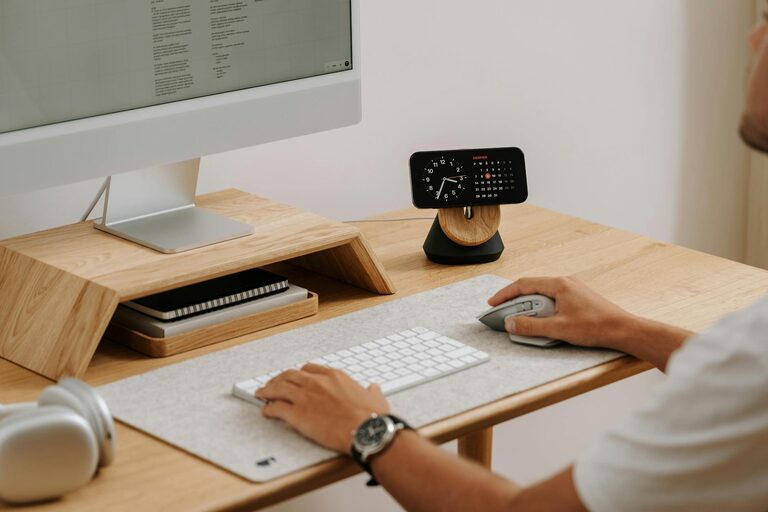
Arrange your computer, keyboard, mouse, and other devices for easy access. Avoid tangled cables by using clips or cable sleeves to keep cords tidy.
Quality Equipment
Invest in equipment that suits your work needs, such as a reliable laptop, an external monitor, or noise-canceling headphones for virtual meetings.
Control Lighting and Ambiance
Adjustable Lighting
Use a mix of overhead lighting and task lighting. Adjustable options help you avoid glare and eye fatigue during long work sessions.
Soothing Colors
Choose calming colors for your workspace walls or accessories. Soft blues, greens, or neutrals promote relaxation and concentration.
Establish Boundaries and Routine
Set Work Hours
Define clear working hours to separate professional and personal time. This helps maintain balance and prevents burnout.
Create a Start and End Ritual
Develop simple routines, like making a cup of tea before work or tidying your desk afterward, to signal the beginning and conclusion of your workday.
Take Regular Breaks
Move Around
Incorporate short breaks to stretch or walk around every hour. This boosts circulation and helps reduce fatigue.
Use a Timer
Use apps or timers to remind you to stand up and take breaks, supporting both your physical health and mental focus.
Enhance Comfort with Small Touches
Temperature Control
Make sure your workspace stays at a comfortable temperature. Use a fan or heater if needed.
Personal Items
Display a few meaningful items like photos or inspirational quotes to make the space uniquely yours without overwhelming it.
—
By following these tips, you can create a home workspace that not only supports your productivity but also feels inviting and comfortable. A well-designed workspace encourages focus and creativity, making your work-from-home experience enjoyable and effective.